
Product guide
Vendor portal
Share assigned requirements with a vendor and receive candidate submissions in one workflow.
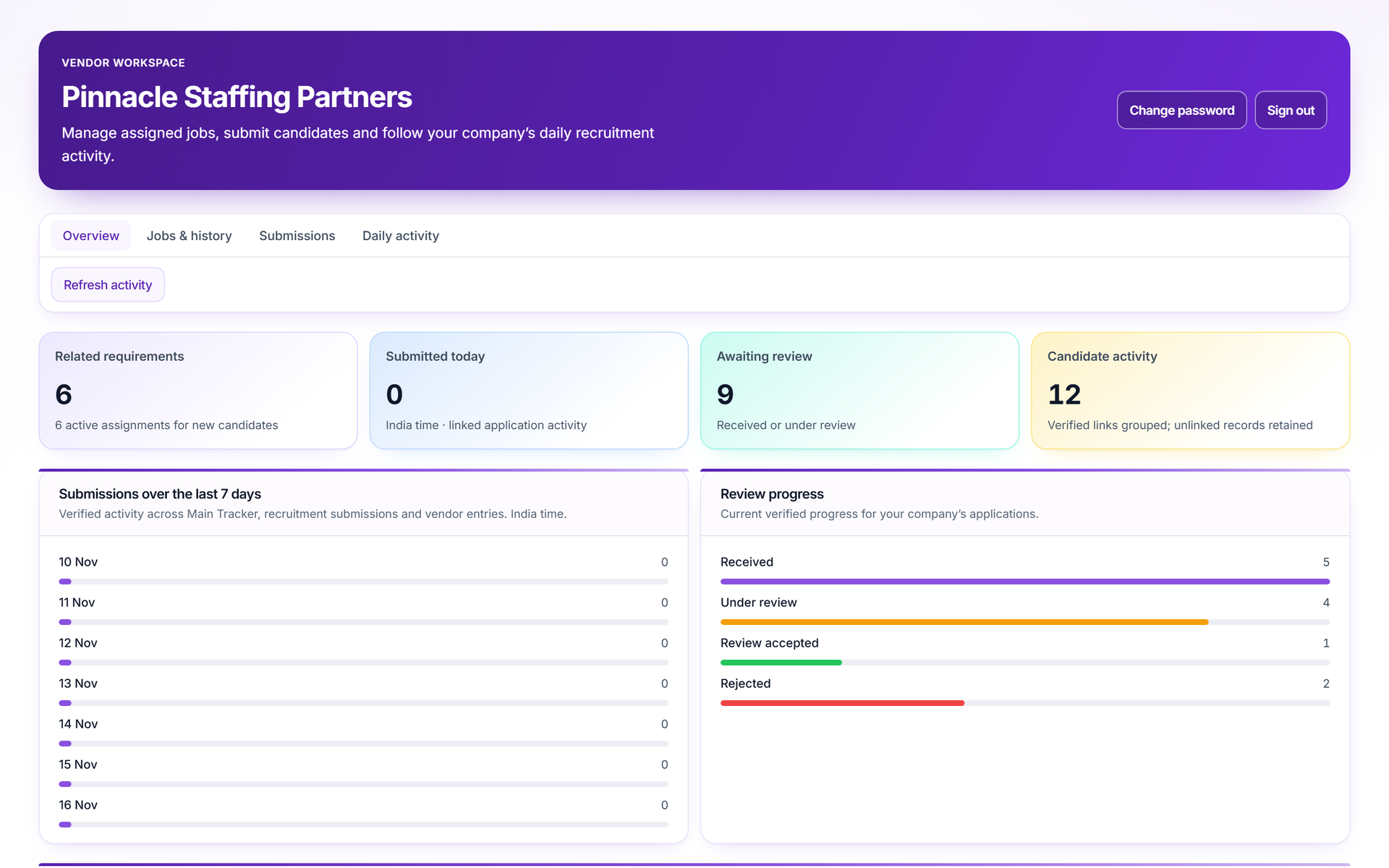
Vendor users sign in at /portal/vendor-portal/login. The dashboard is limited to that vendor company's assigned jobs and linked activity.
Submit a candidate
- Open Jobs & history and select an assigned requirement that accepts new candidates.
- Open
/portal/vendor-portal/submit/:jobIdfrom the job. - Check the role, location and requirement details.
- Enter the candidate name, email and other requested details.
- Attach the required resume and choose Submit candidate and resume.
The submission and resume then become available for staff review. If the first resume upload is incomplete, the page keeps the created submission and offers a retry rather than asking you to create the candidate again.
Vendors can follow their own submissions and progress; they cannot browse another vendor's jobs. Internal staff manage vendor organisations and review entries under Vendors and Vendor submissions (/portal/vendors/submissions).
Customers can also find this guide inside the HireGo portal, under Knowledge centre. Available pages and actions depend on your role.