
Product guide
Offers and offer letters
Prepare an offer, generate its letter and complete approval before sending.
Open Offers (/portal/offers) and choose New offer, or start from a selected submission. Complete the candidate, job, compensation and joining details, then save.
Approval and letter
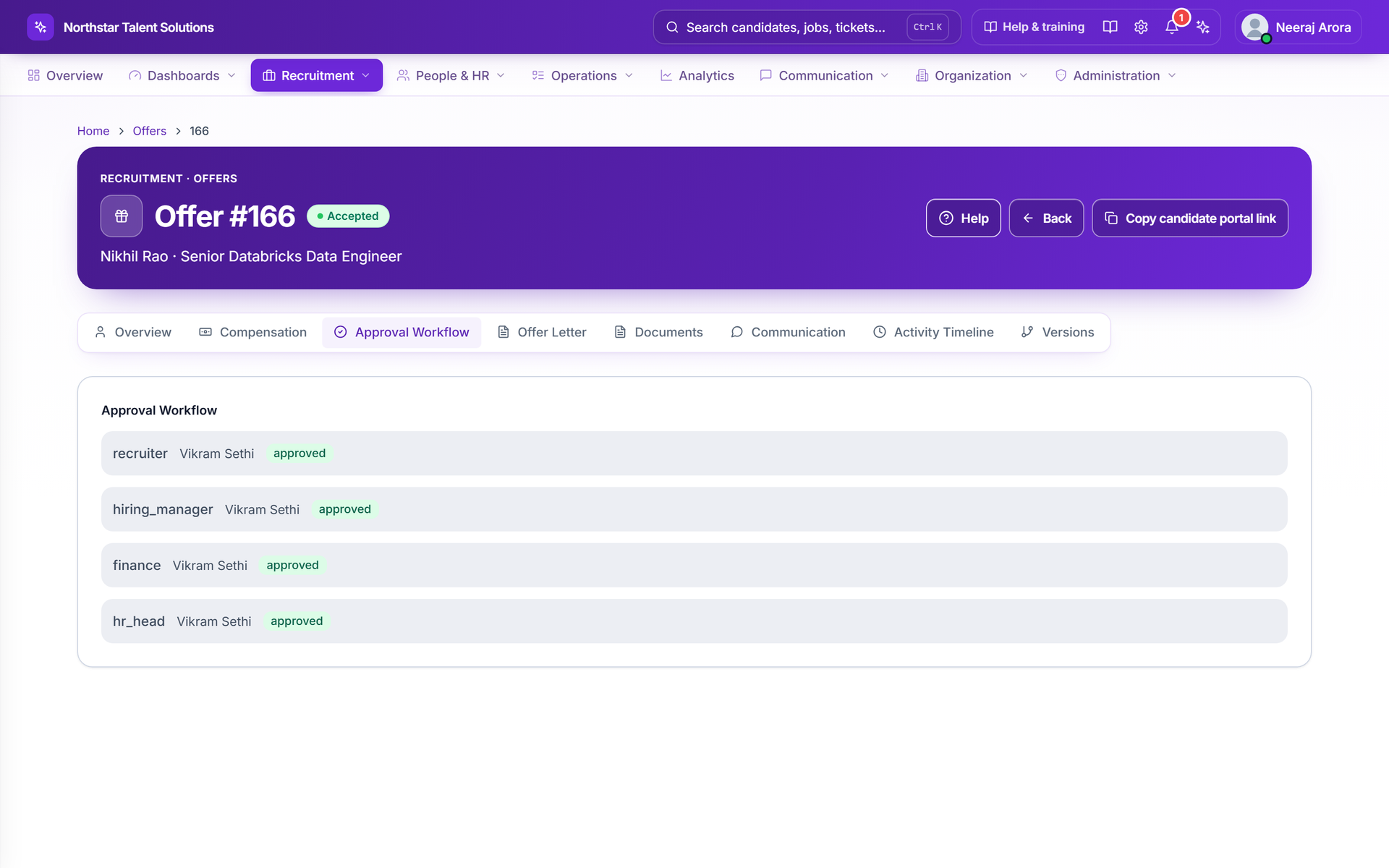
- Open
/portal/offers/:idand review the offer details. - Choose Submit for approval. The Approval Workflow section shows the configured stages and their progress.
- An authorised approver approves or rejects the offer from the offer workflow.
- In Offer Letter, choose a template that has a DOCX file and select Generate letter.
- Preview or download the generated files and check names, dates and compensation.
- Send the offer only when its status and your permissions allow sending.
Administrators manage DOCX templates at Settings > Recruitment > Offer templates (/portal/settings/recruitment/offer-templates). Keep placeholders consistent with the available offer fields and test a template before using it for a real offer.
After the candidate responds, record the resulting offer status. Do not mark an offer accepted merely because it was sent.
Customers can also find this guide inside the HireGo portal, under Knowledge centre. Available pages and actions depend on your role.