
Product guide
Timesheets and approval
Track deployment timesheets, maintain entries and record approvals.
Open Operations > Timesheets at /portal/operations/timesheet-queue. Select a record to open /portal/operations/timesheet/:id.
Work on a timesheet
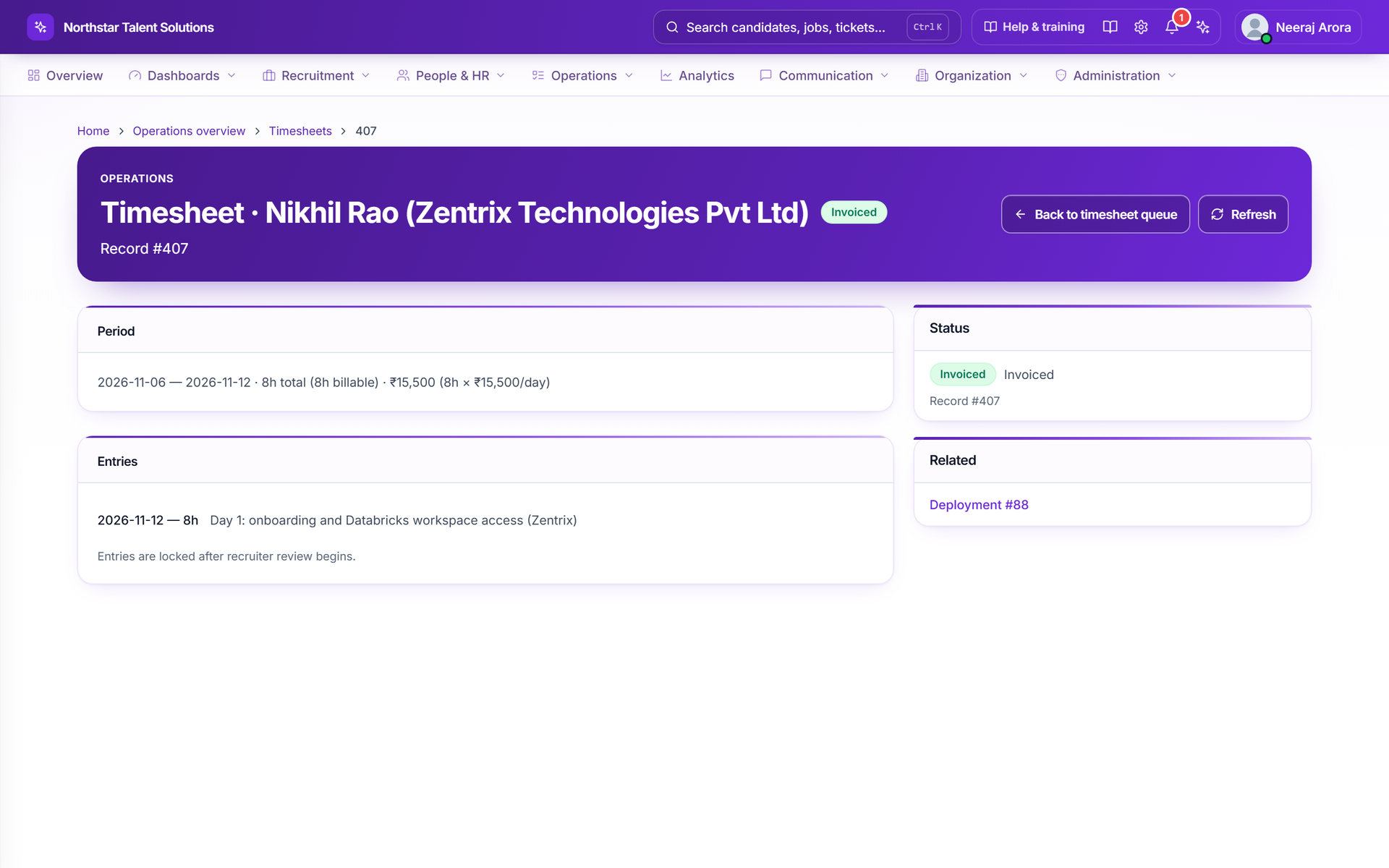
- Check its deployment link, period, status and entries.
- Add or edit entries while the timesheet is in Draft or Submitted status.
- Use the available status transition to move the record through its configured lifecycle.
- Record recruiter or client approval from the approval controls when your role permits it.
The screen distinguishes recruiter and client approval, so a single click should not be described as both. Check the entries and totals before approving; once the status moves beyond the editable stages, entries are no longer edited in that view.
If a timesheet is missing, first confirm that the related deployment record exists and that the correct period is being tracked. Deployment records are managed in /portal/operations/deployment-queue.
Customers can also find this guide inside the HireGo portal, under Knowledge centre. Available pages and actions depend on your role.