
Product guide
Background verification (BGV)
Open a BGV case, track its checks and review submitted documents.
Open Operations > BGV queue at /portal/operations/bgv-queue. A case can also be started from a submission whose status is Selected or Selected by client.
Process a case
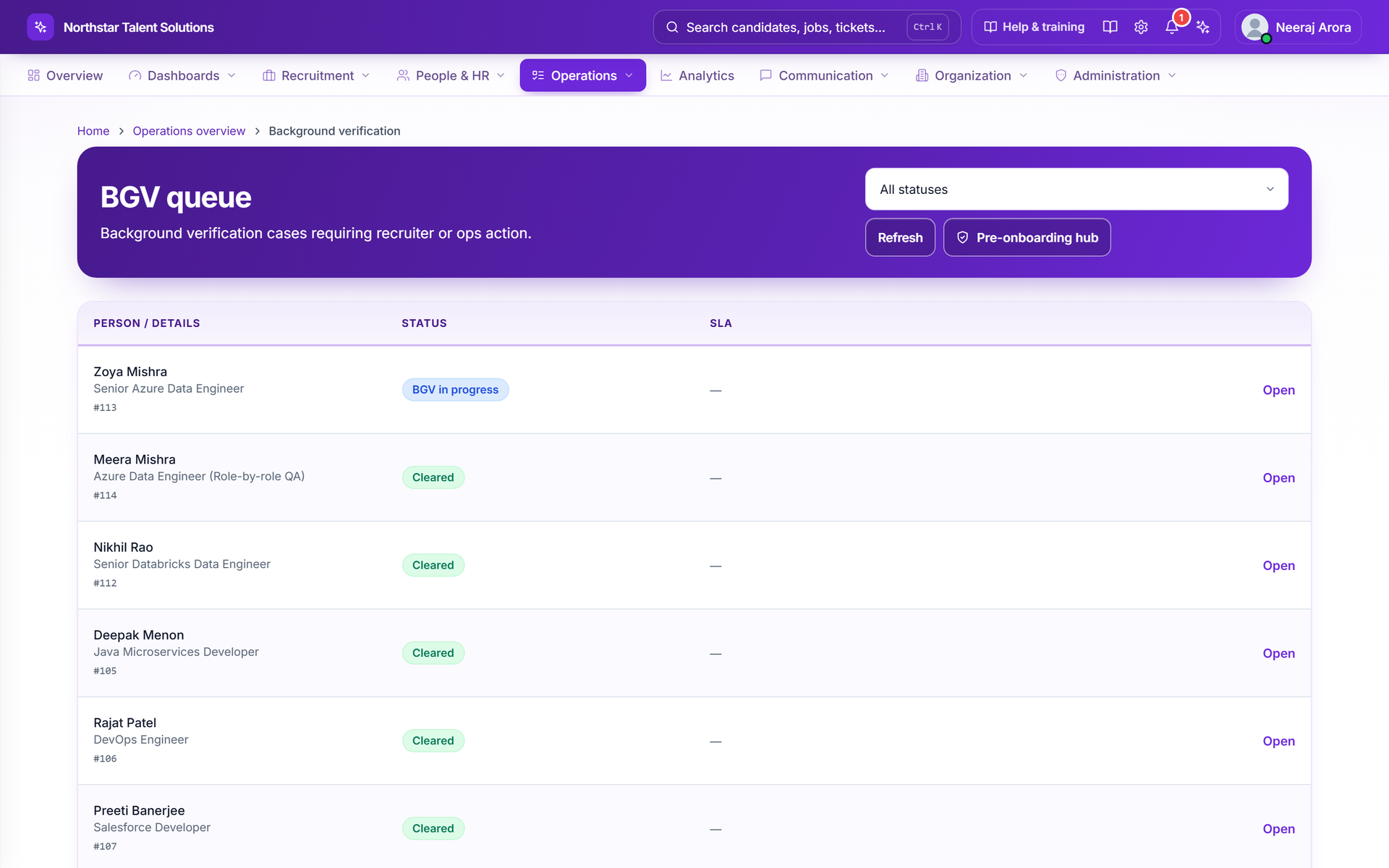
- Open
/portal/operations/bgv/:idand confirm the candidate and linked submission. - Review the checklist slots and the checks required for the case.
- Track each check's type and status, and review documents attached to the checklist.
- Record document verification and update the case using only the next statuses offered by the lifecycle.
- Resolve missing or rejected items before treating verification as complete.
Candidates can be given a secure upload link at /bgv-upload/:token; they do not need an internal HireGo account for that upload page.
Keep sensitive documents inside the BGV case rather than downloading and circulating copies. Access and available actions depend on role, so assign BGV work only to the appropriate operations users.
Customers can also find this guide inside the HireGo portal, under Knowledge centre. Available pages and actions depend on your role.