Product guide
Client portal review
Give a client a focused place to review candidates and record a decision.
Client users sign in at /portal/client-portal/login. Their dashboard shows only requirements belonging to their client workspace.
Review a candidate
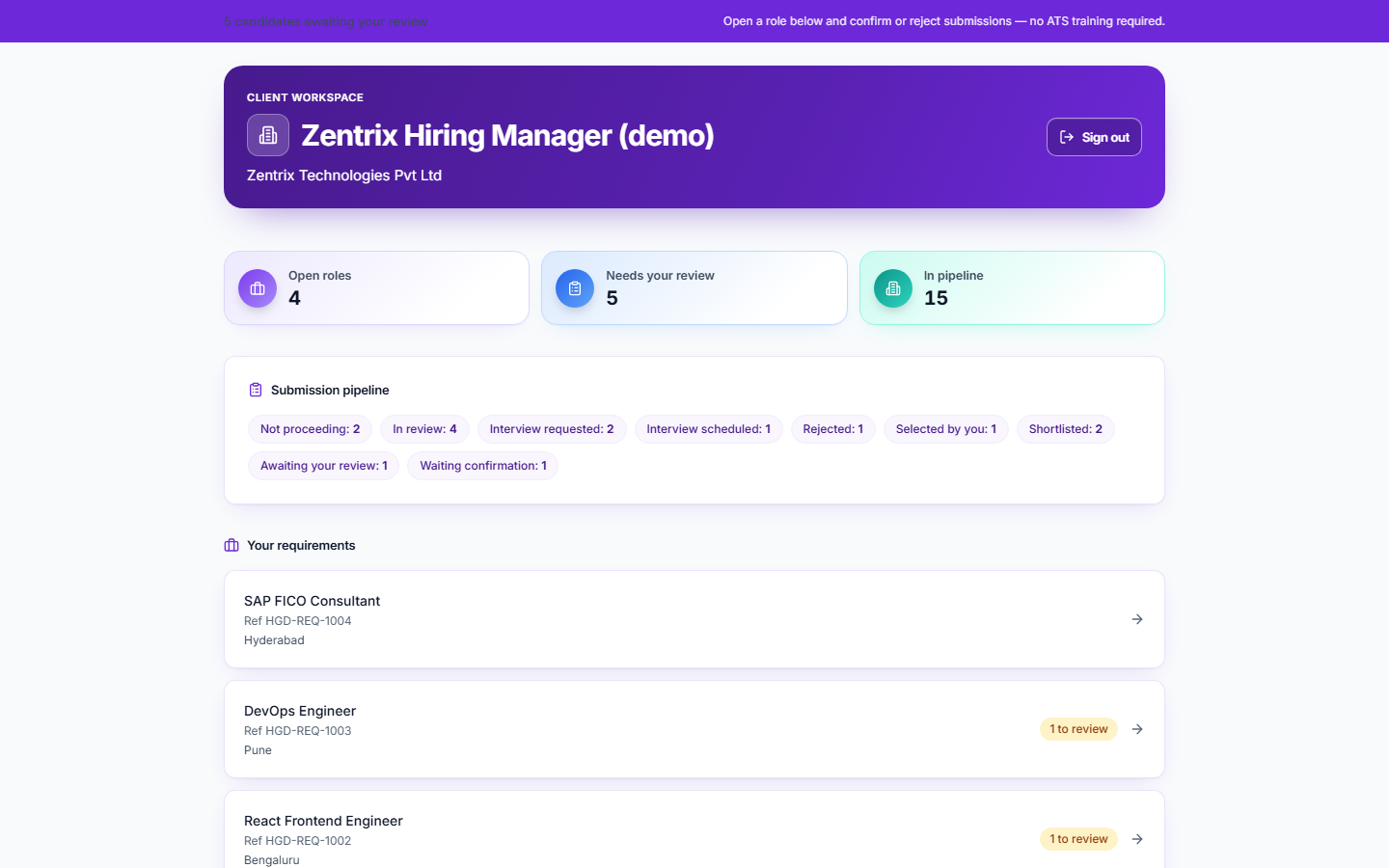
- Open a requirement from
/portal/client-portal. - Review its candidate list at
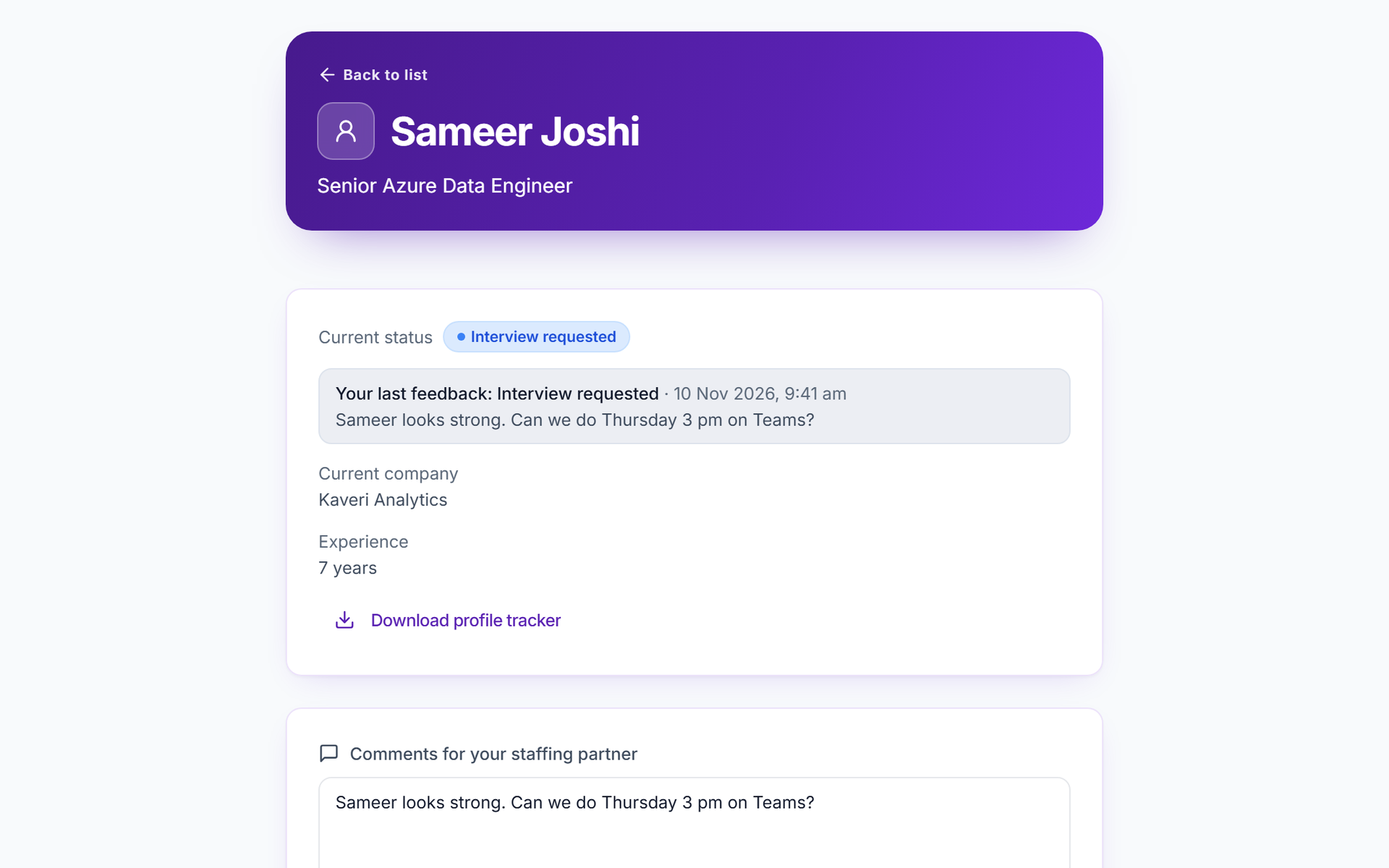
/portal/client-portal/requirements/:jobId. - Open a submission to see the candidate information and submitted details.
- Choose the available action: shortlist, select, request an interview, hold, or reject with feedback.
The action updates the linked recruitment submission, so your internal team and the client work from the same progress. Which actions are available depends on the current status; for example, a client can shortlist an awaiting-review candidate and can request an interview after shortlisting or selection.
A link to another client's requirement returns Not found or no access, not an empty queue. If that happens, ask your HireGo contact for the correct requirement link. Client users do not need access to your internal recruitment workspace.