
Product guide
Submissions and manager review
Link a candidate to a job, complete the submission and obtain an internal decision.
Create a submission from a requirement or candidate, or open Submissions > New at /portal/submissions/new. Choose the candidate and requirement, then complete the available rate and candidate details.
Move a submission forward
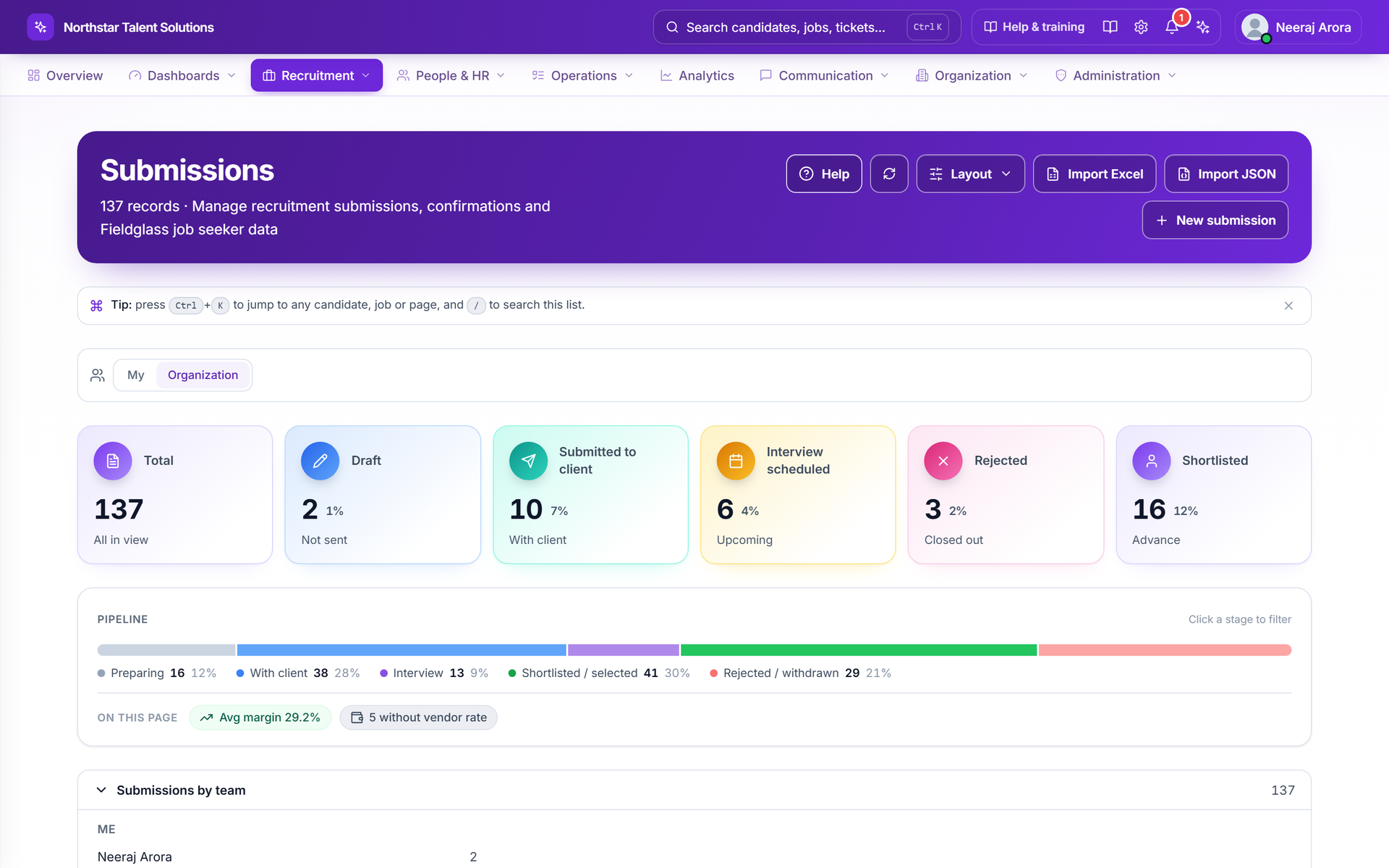
- Save the draft and open
/portal/submissions/:id. - Check the candidate, job, rates and attached documents.
- Use Shortlist, Reject, or Mark submitted as appropriate.
- Use the submission's manager-review action to request an internal decision.
- A user with approval permission opens the submission, adds manager comments and chooses Approve or Reject.
A rejected submission leaves the active pipeline for that job. Rejection requires confirmation, and the review controls appear only when your permissions and the submission status allow them.
The confirmation-email preview lets you check the candidate message before sending it. Keep status changes on the submission record so interview, offer and reporting screens follow the same pipeline.
Customers can also find this guide inside the HireGo portal, under Knowledge centre. Available pages and actions depend on your role.