
Product guide
Bench management
See consultants on bench, their ageing and their availability for redeployment.
Open Bench (/portal/bench). The page uses consultant-operations data to show the current bench list.
Use the view
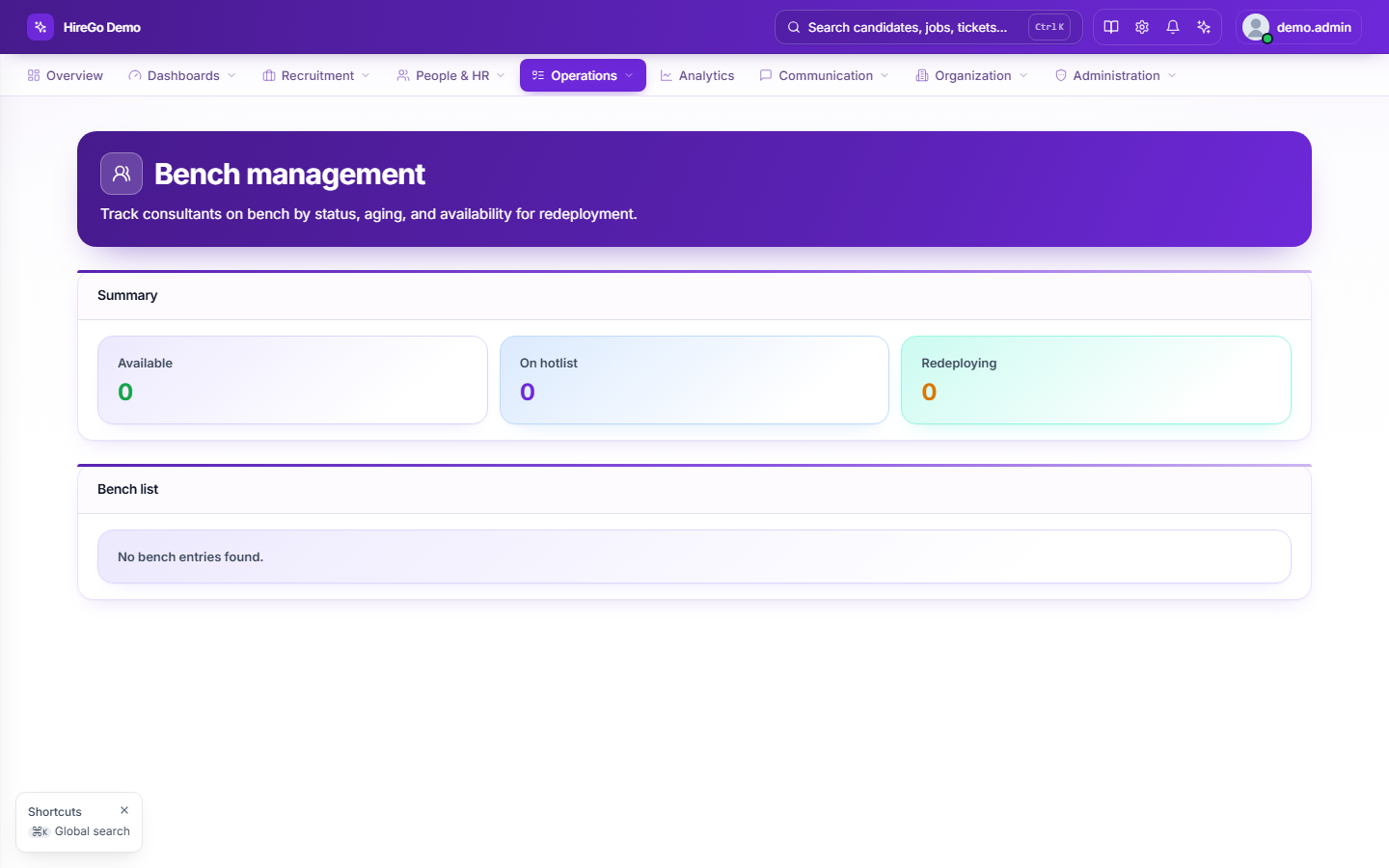
- Review summary counts for Available, Hotlist and Redeploying.
- In the bench list, check the candidate, status and On bench since date.
- Use ageing and availability to prioritise consultants for new requirements.
- Open the related candidate or requirement work from the linked recruitment screens when you are ready to redeploy someone.
The bench view is a tracking and prioritisation surface; it does not itself create a submission. Candidate submission still happens against a specific job requirement.
Recruiters may not have bench access under the standard role setup. An administrator can assign the appropriate operations permissions to delivery or account managers who own redeployment.
Customers can also find this guide inside the HireGo portal, under Knowledge centre. Available pages and actions depend on your role.