
Step-by-step training
Recruiter training: requirement to interview
A practical first run through the recruiter workflow in HireGo.
1. Prepare the job
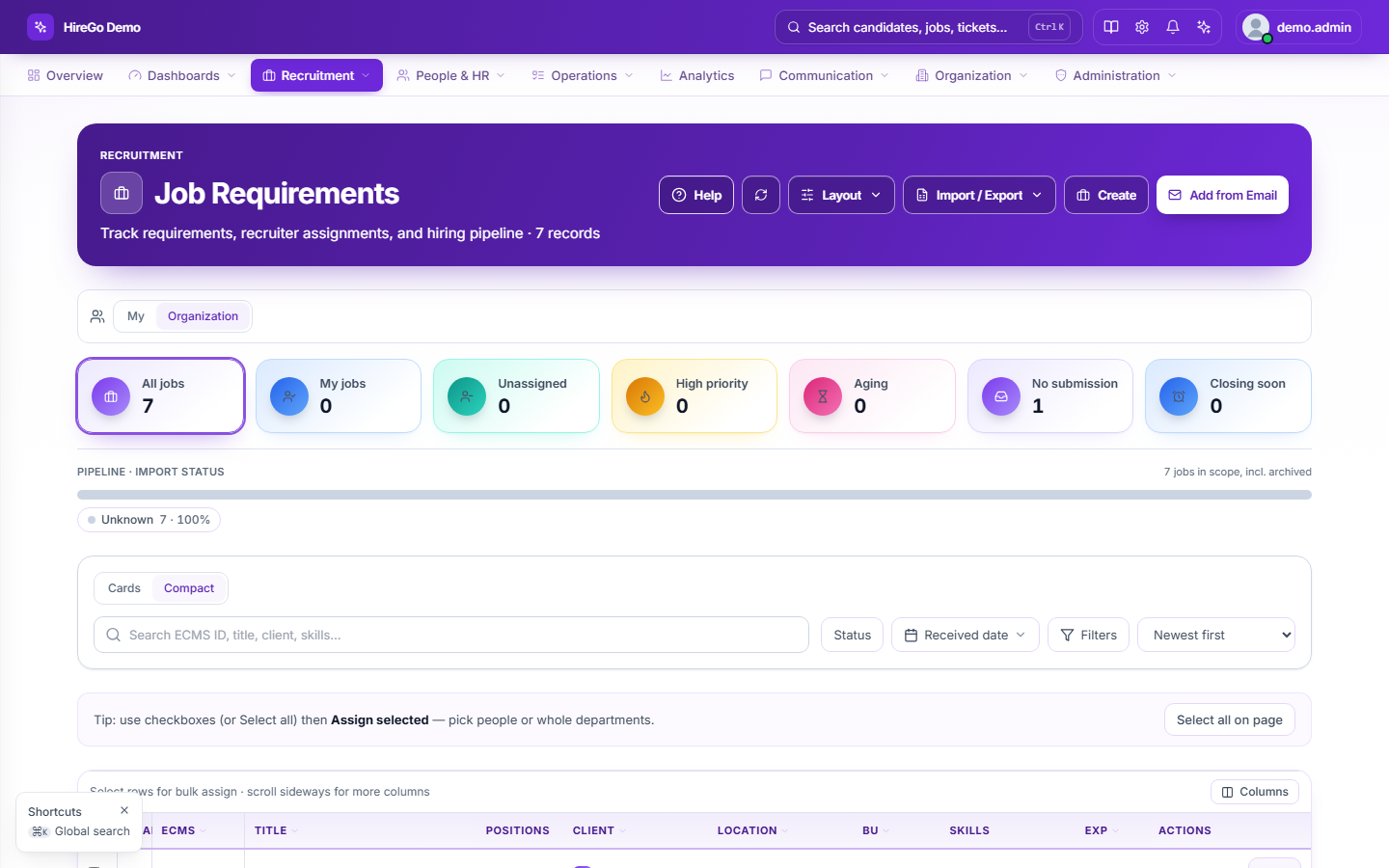
Open /portal/job-requirements/add. Enter the client, title, location, openings, skills and job description. Save and open the requirement. Confirm the recruiter assignment and due details.
2. Add and check a candidate
Open /portal/candidates/add. Enter the candidate's name, contact details, experience and skills. Attach a PDF, DOC or DOCX resume when available. Open the saved profile and correct any parsing or typing errors.
3. Review the match
Return to the requirement at /portal/job-requirements/:id. Review match score, strengths, gaps and resume availability. Open the candidate snapshot and verify suitability, interest, availability and rates directly.
4. Create the submission
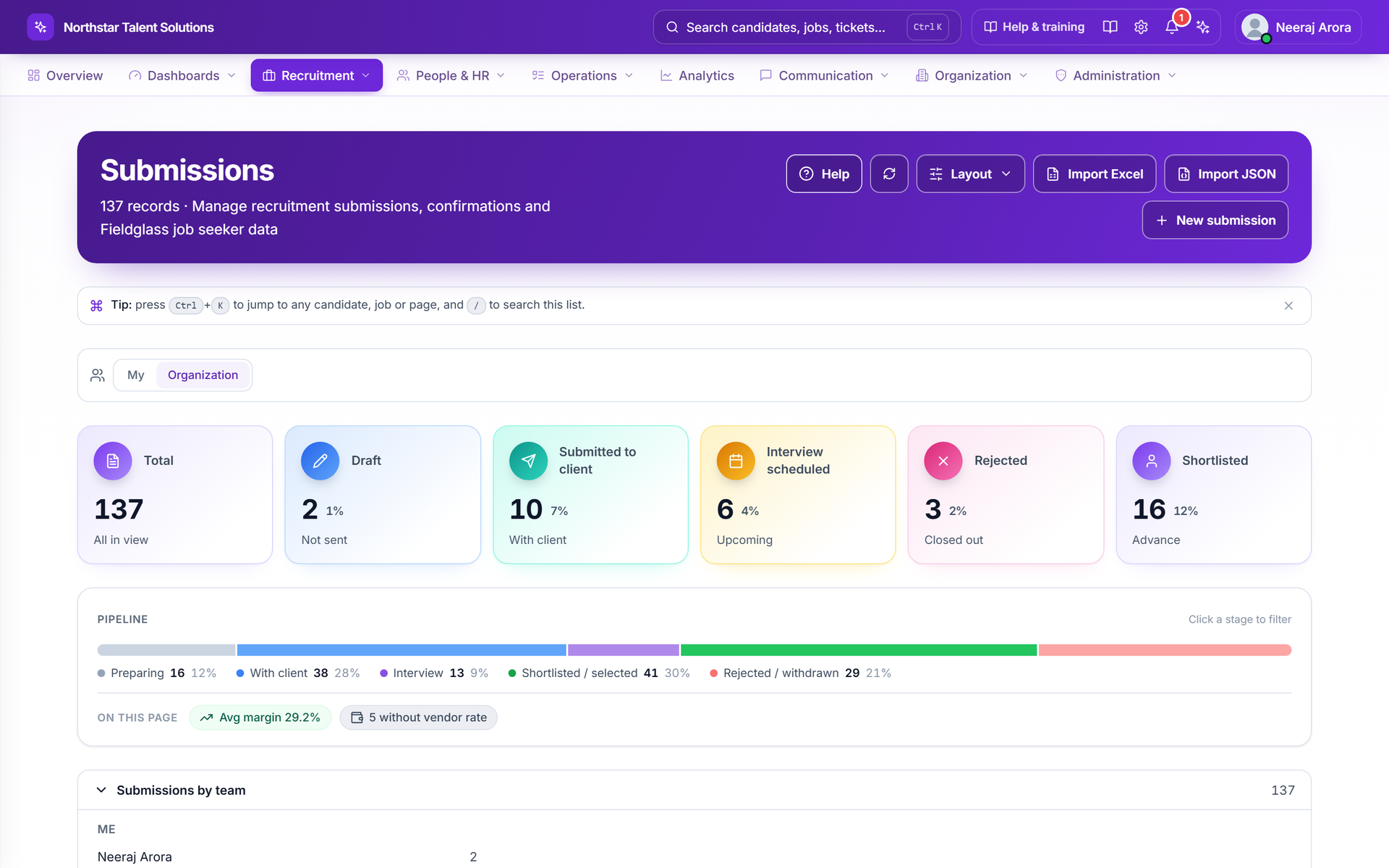
Choose the candidate for this job and create the submission. Complete the rate and candidate fields, attach relevant documents and save. Open /portal/submissions/:id and use Mark submitted when it is ready for the client pipeline. Request manager review if your process requires it.
5. Schedule the interview
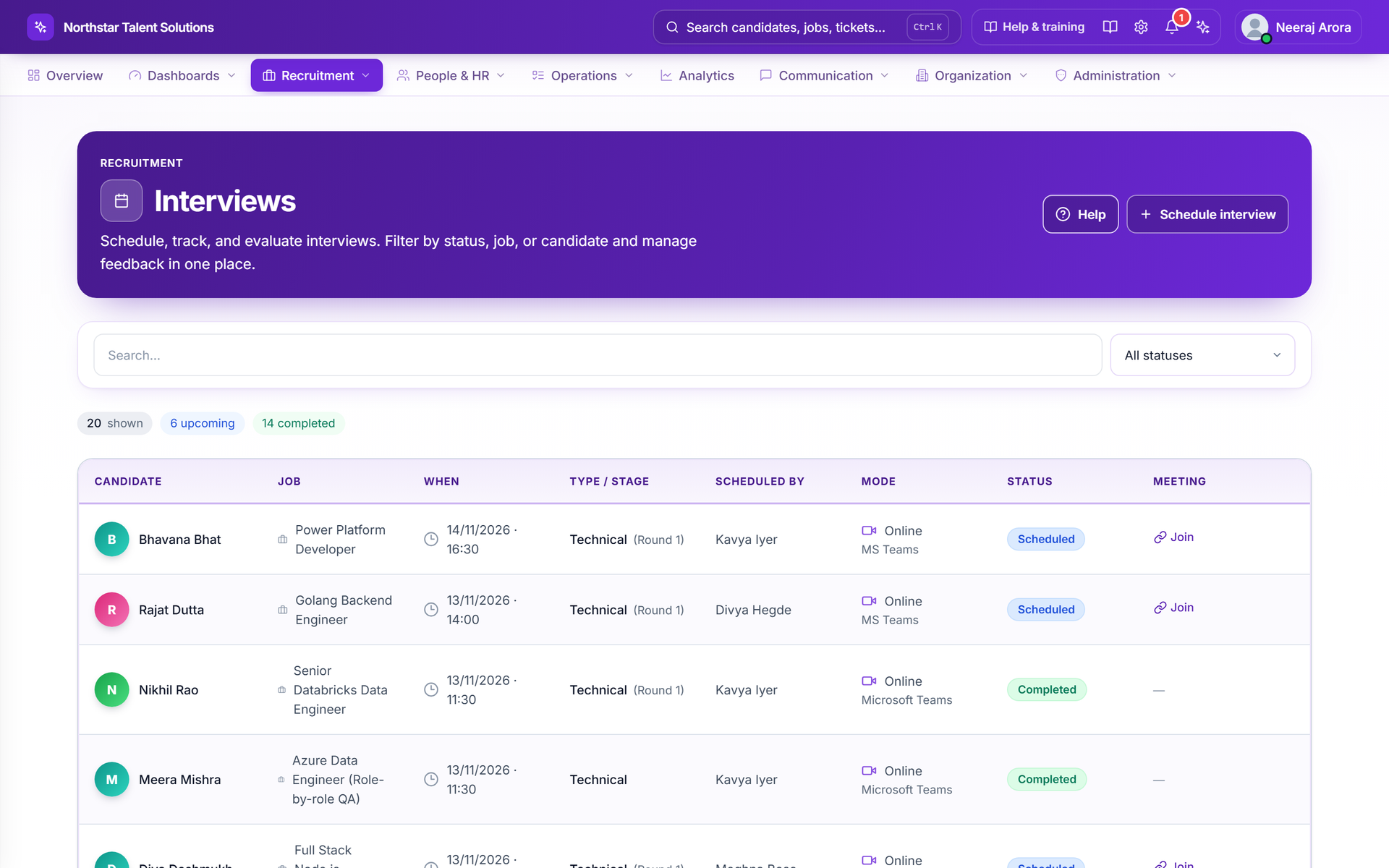
From the submission, choose the interview scheduling action. Add the interview type, schedule and participants. After the interview, open /portal/interviews/:id, record feedback, select an outcome and mark it Completed.
Practice check: the requirement, candidate, submission and interview should all show the same job context. If they do not, stop and correct the linkage before creating an offer.