
Step-by-step training
Account and delivery manager training
Review client progress and carry a selected candidate into staffing operations.
1. Review demand and team pipeline
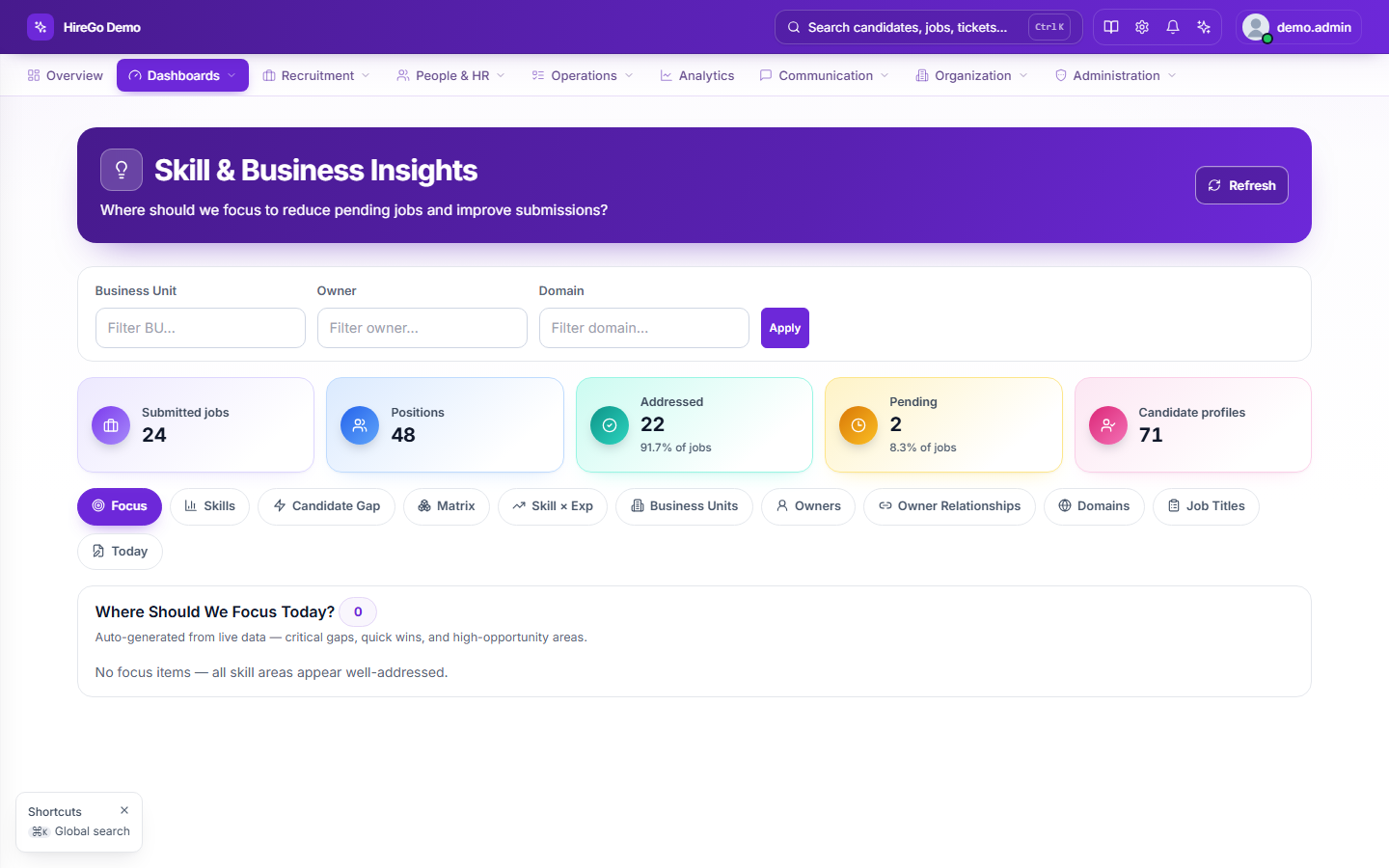
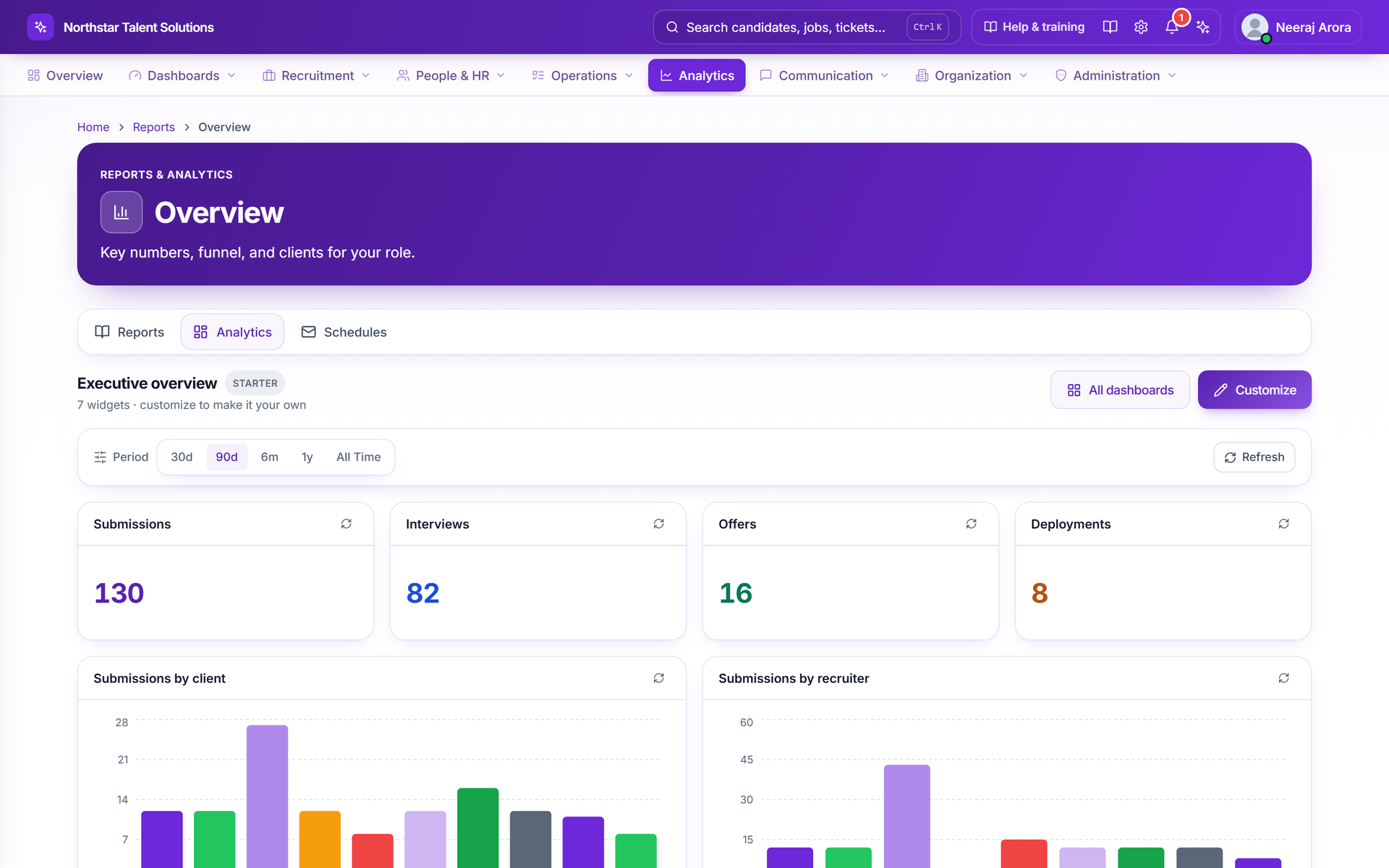
Start at /portal/recruitment-overview and /portal/job-requirements. Open ageing or unassigned requirements, confirm recruiter ownership, and review candidate matches and submission status.
2. Complete manager review
Open /portal/submissions/:id. Check candidate fit, rates, documents and comments. When you have approval permission, record Approve or Reject with useful manager comments. Rejections need a clear reason.
3. Coordinate the client decision
Ensure the submission is ready for client review. The client uses /portal/client-portal to shortlist, select, request an interview, hold or reject. Track the returned status internally rather than duplicating the decision in email.
4. Approve the offer and follow operations
Open /portal/offers/:id, review the approval stages and letter, then complete the decision assigned to you. After selection, track BGV at /portal/operations/bgv-queue, joining at /portal/operations/joining-queue, and deployment at /portal/operations/deployment-queue.
5. Track timesheets and bench
Open /portal/operations/timesheet-queue to review periods, entries and recruiter/client approvals. Use /portal/bench to prioritise available, hotlist and redeploying consultants for suitable requirements.
Practice check: pick one placement and explain its current requirement, submission, offer, deployment and timesheet status without consulting a separate spreadsheet.