Product guide
Jobs and requirements
Create a client requirement, assign the work and review its candidate pipeline.
Open Job requirements (/portal/job-requirements). Choose Add job to enter a requirement manually, or Add from email when the requirement is in a job email.
Create a requirement
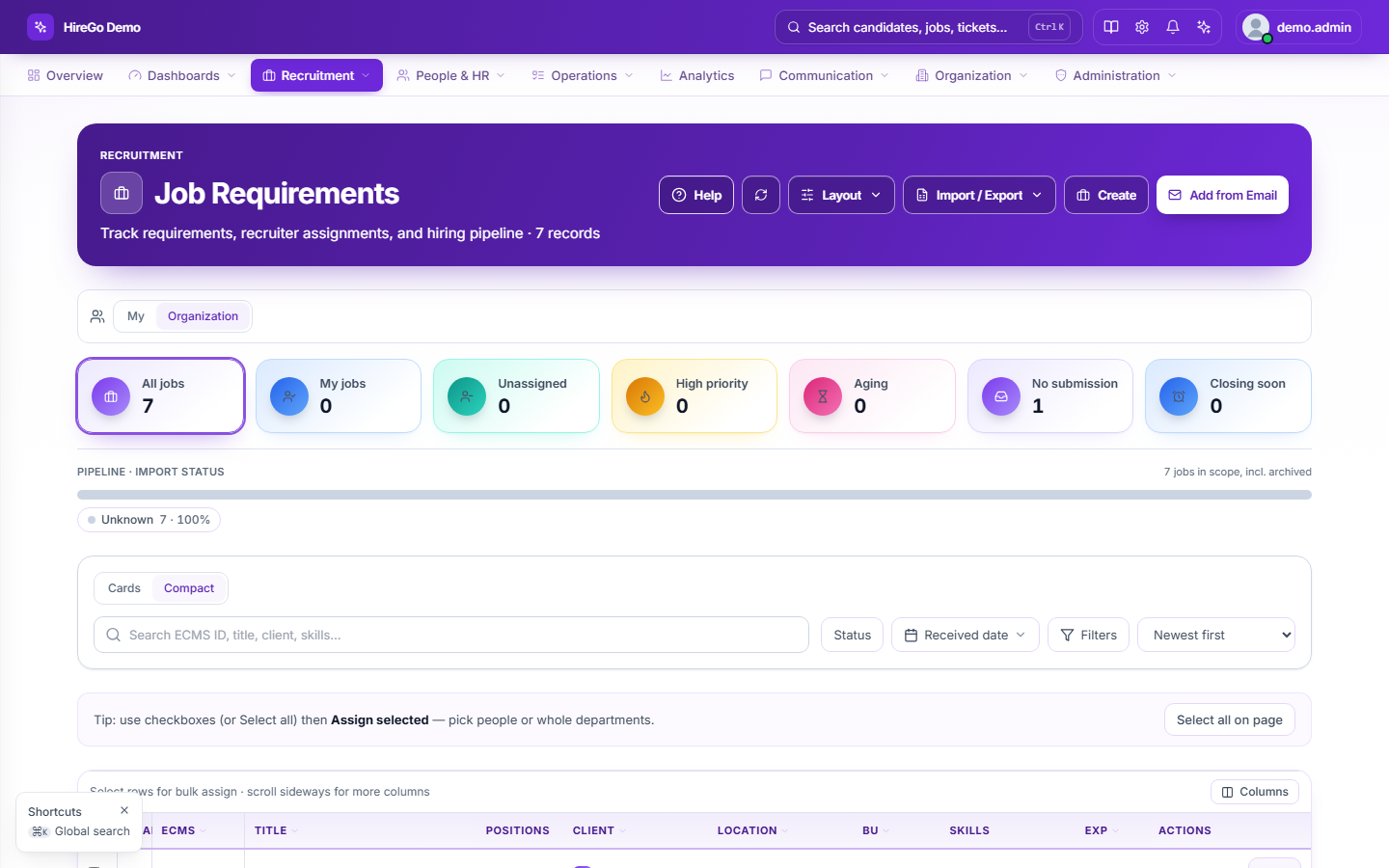
- Open
/portal/job-requirements/add. - Enter the client, job title, location, openings, skills and other available requirement details.
- Save the requirement, then open it from the list.
- Assign recruiters where your role permits it and confirm the status and due details.
- Add a clear skill list and job description so candidate matching has useful information.
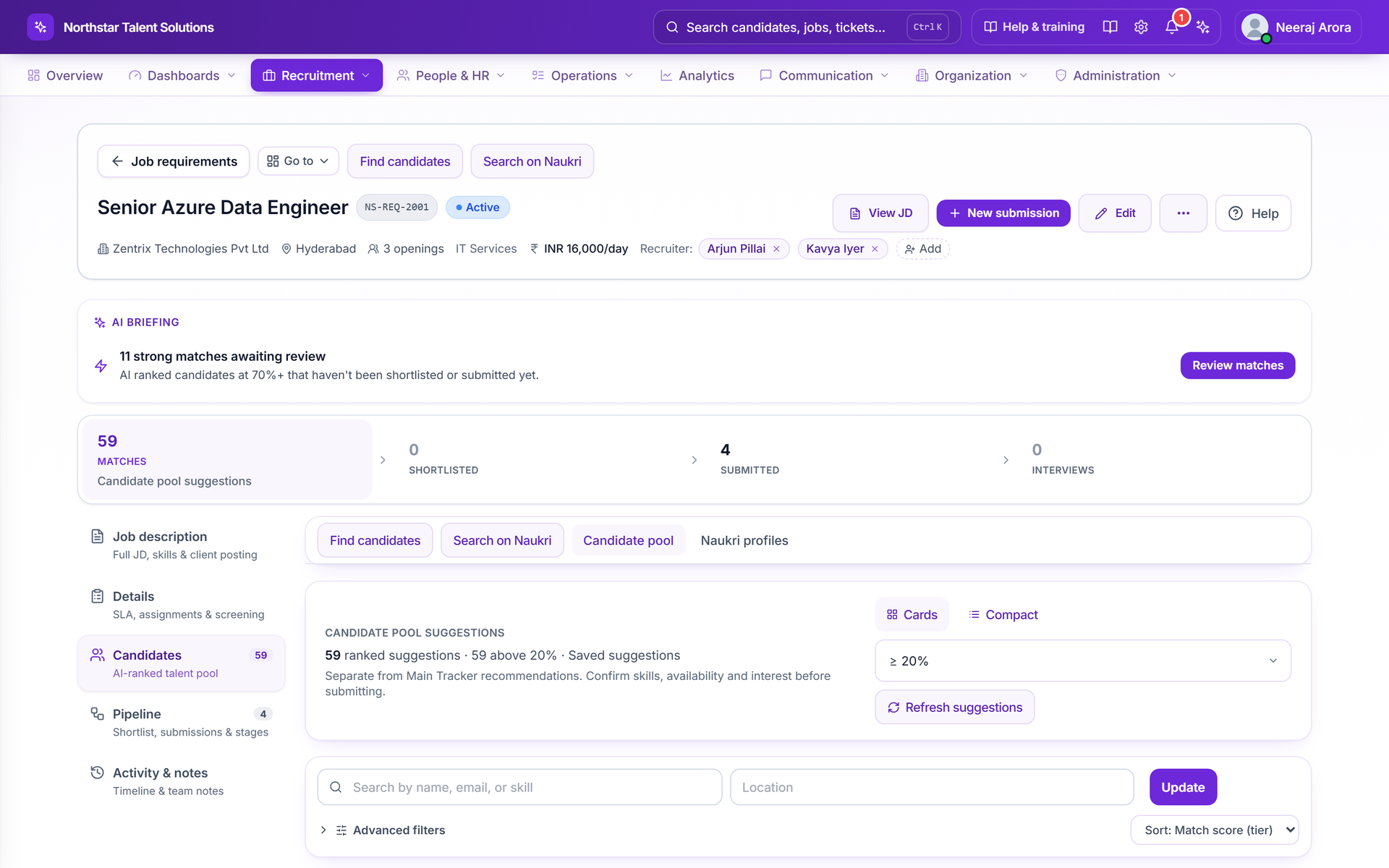
The requirement detail page (/portal/job-requirements/:id) brings the job information and candidate views together. Use the candidate matching controls to sort or filter by match score, and open a candidate to review the profile before making a submission.
Keep changes to openings, skills, rates or status on the requirement itself so recruiters and delivery managers see the same current record. Duplicate jobs and the pending-job dashboards can help administrators and managers review requirements that need attention.