
Product guide
Getting started and signing in
Open your HireGo workspace, sign in and find the right starting screen.
HireGo opens at your workspace address followed by /portal/. Use the email address and password for that workspace. If your administrator invited you, use the invite link to set your password before signing in.
Your first session
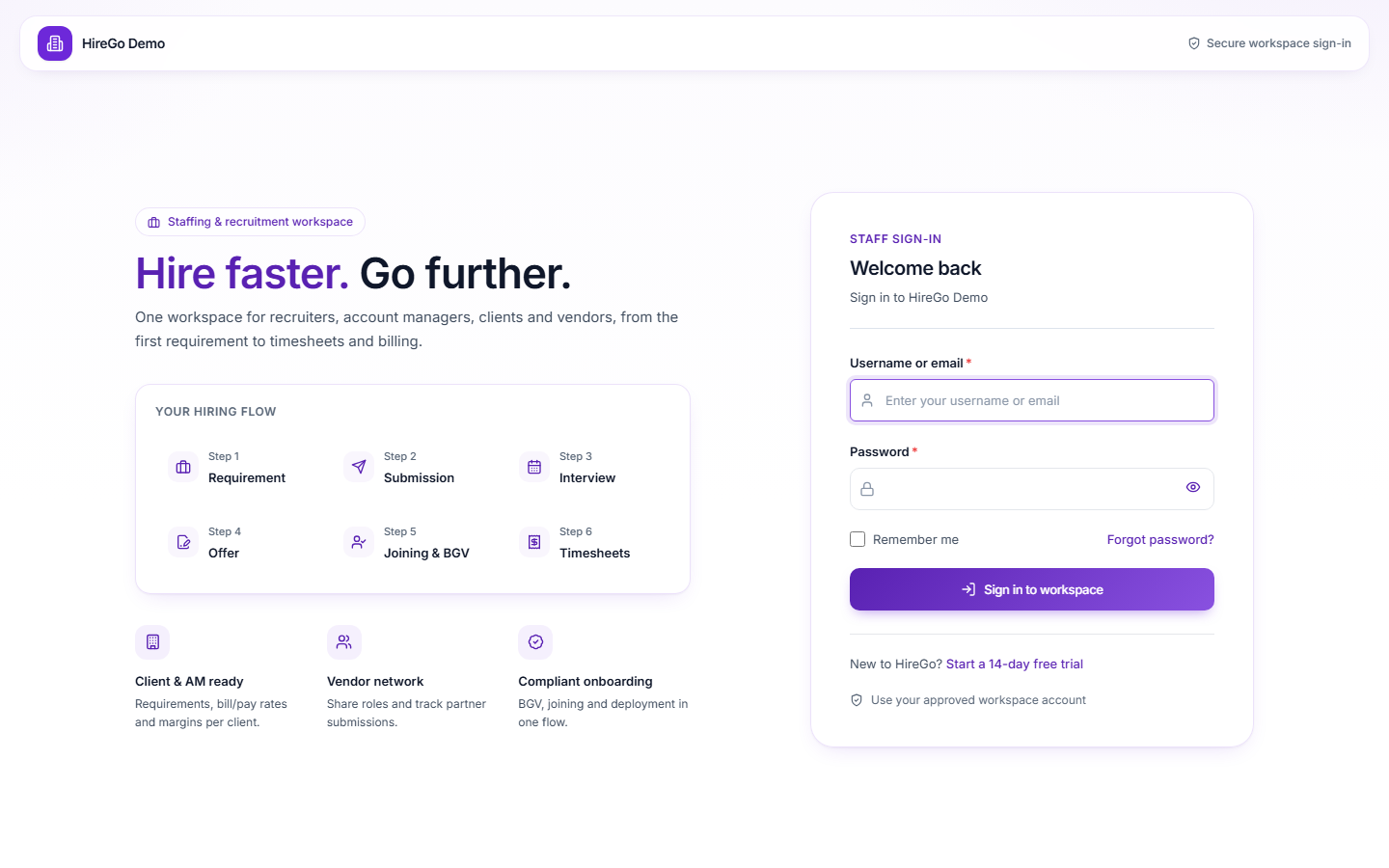
- Sign in at
/portal/login. - Start at My workspace (
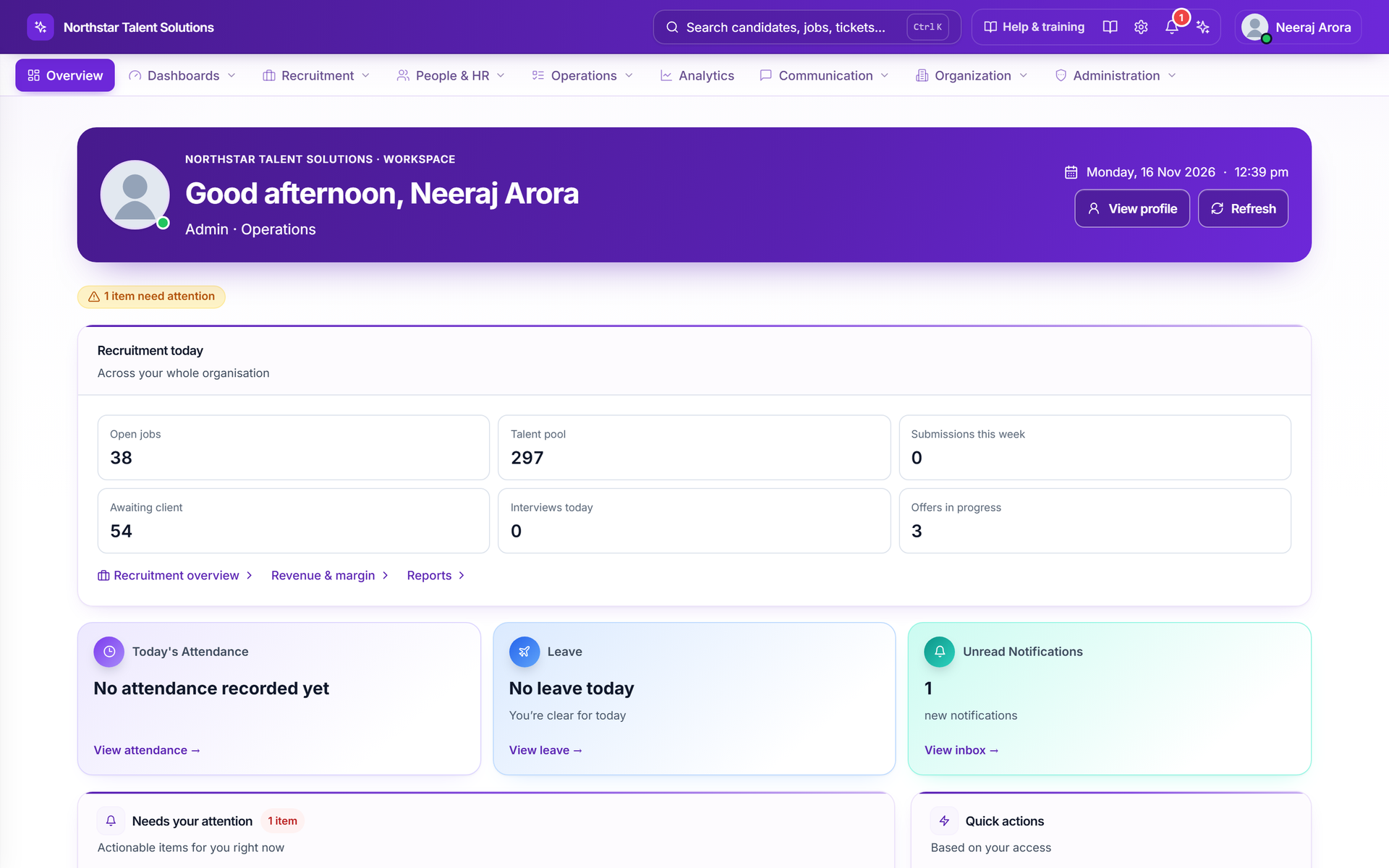
/portal/my-workspace) for role-relevant tasks and shortcuts. - Open Recruitment overview (
/portal/recruitment-overview) to see the recruitment pipeline available to your role. - Check your name, role and notification preferences under Settings > Account.
Password help
Use Forgot password at /portal/forgot-password and follow the reset email. If the email does not arrive, check spam and ask your administrator to confirm your email address and resend the invitation.
The pages and records you see depend on your role and data scope. If a colleague can open a page that you cannot, ask your administrator to review your role rather than sharing an account.
Customers can also find this guide inside the HireGo portal, under Knowledge centre. Available pages and actions depend on your role.